

Update Guide
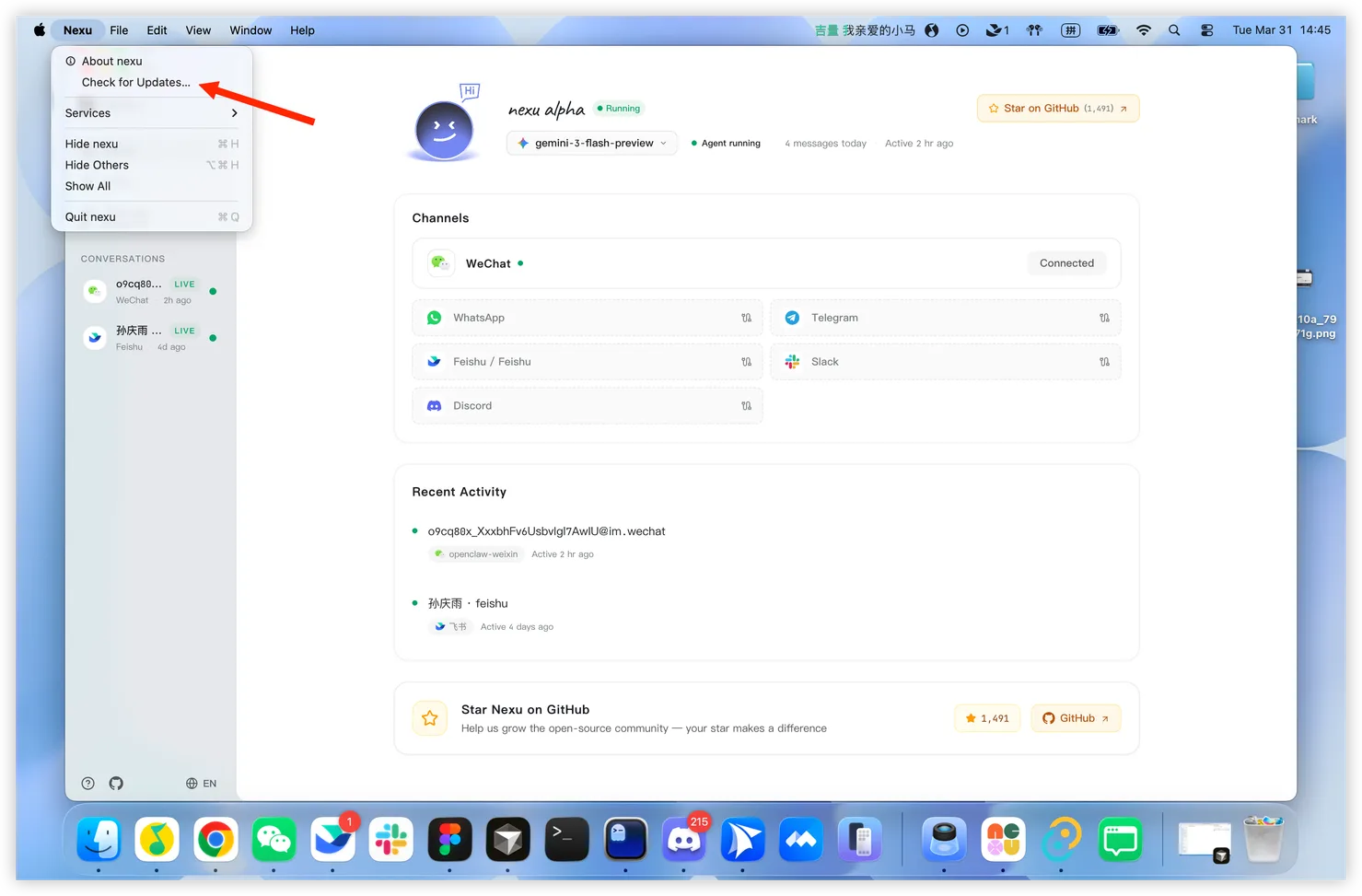
Option 1: Update Inside the Client
- Open nexu
- Click Nexu in the top menu bar
- Select Check for Updates
- Follow the prompt if a new version is available
This is the easiest option and the recommended one.
Option 2: Download the Latest Installer Manually
You can download the latest version from either of these locations:
- Website: https://nexu.io/download
- GitHub Releases: https://github.com/nexu-io/nexu/releases
Need Help Updating?
See Troubleshooting.
Contact Support
If the problem is still not resolved, reach out through one of these channels:
- GitHub Issues: https://github.com/nexu-io/nexu/issues
- Community: Contact Us